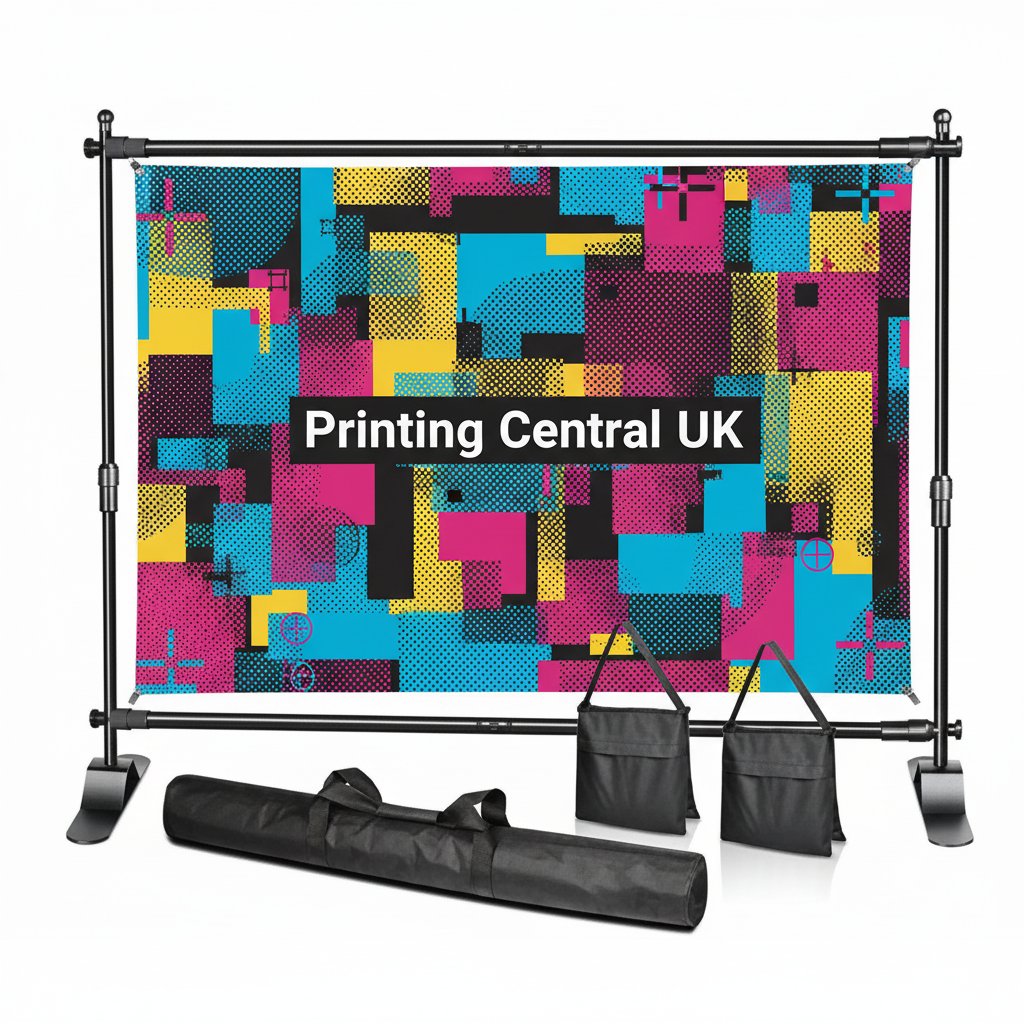
Backdrop Artwork Guide UK: Size, Resolution, Bleed & Logo Placement
A practical guide to setting up exhibition and event backdrop artwork so logos, text and images reproduce clearly at large format.
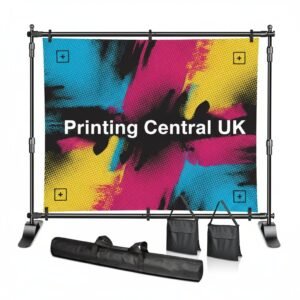
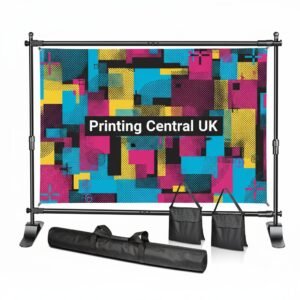
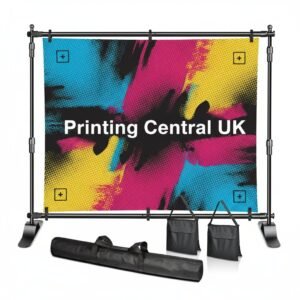
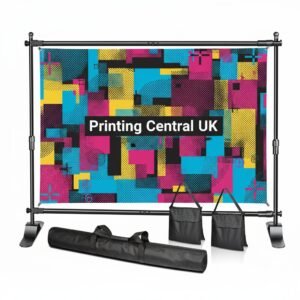
Supply a PDF in CMYK at 100dpi or more at the confirmed artwork size, with extra bleed. Keep logos and key text high and well inside the edges, because people stand in front of the lower part and the frame curves. The 8ft backdrop shows about 2.4m × 2.3m and the 10ft about 3m × 2.3m.
Use the correct proportions
Backdrop artwork should match the proportions of the specific frame and printed panel. Because exact production dimensions can vary by frame model, use the current product instructions or confirmed artwork size before finalising your file.
Do not guess the final print size
Our 8ft backdrop displays at approximately 2.4m wide × 2.3m tall. The 10ft backdrop displays at approximately 3m wide × 2.3m tall. These are display dimensions, so the production artwork size should be checked against the current frame specification.
Resolution for large-format artwork
Large-format displays are viewed from farther away than business cards or leaflets, so they do not always require 300dpi at full size. Our current 8ft backdrop product guidance recommends 100dpi or higher at the confirmed artwork dimensions.
Use CMYK colour where possible
Preparing artwork in CMYK gives a more realistic basis for print production than RGB-only artwork. Very bright screen colours can reproduce differently in print, so avoid judging colour only from a phone or monitor.
Keep logos and text away from edges
Do not place critical information against the edge of the artwork. Keep logos, web addresses and important text comfortably inside the visible area so they are not affected by finishing, panel wrap or the curved shape of the display.
Design for distance
Backdrop graphics are usually seen from several metres away and often appear behind people. Use larger logos and short, readable messaging instead of small body copy. A repeated logo pattern can work well for photo-call and sponsor backdrops.
Use high-quality logos
Vector logos are ideal because they can be scaled without becoming pixelated. If a logo is supplied as a raster image, use the highest-resolution original available rather than a screenshot or social-media download.
Think about people standing in front
Keep the most important branding high enough that it remains visible when people are standing or sitting in front of the backdrop. Avoid putting all key information in the lower centre of the design.
Bleed and production margin
Bleed requirements depend on the panel and frame. Our current 8ft backdrop guidance advises extra bleed, but the exact production size should be confirmed before final artwork is supplied.
Backdrop artwork checklist
- Correct frame and panel proportions confirmed
- CMYK colour where possible
- 100dpi or higher where appropriate for the confirmed large-format size
- Vector logos where available
- Important content kept away from edges
- Logo placement checked with people standing in front
- Final bleed requirement confirmed for the selected system
See our 8ft vs 10ft Backdrop guide, general Print Artwork Guide, or browse Backdrop Displays.
Frequently asked questions
What resolution does backdrop artwork need?
100dpi or more at the final artwork size is enough for a backdrop, because it is viewed from a distance.
What file format should I send for a backdrop?
A PDF is safest, ideally in CMYK with vector logos. High-resolution JPEG or PNG files can also work.
Where should my logo go on a backdrop?
In the upper half and away from the edges, so it stays visible when people stand in front and is not lost on the curve of the frame.
Shop the products in this guide
Printed in-house in Manchester, delivered across the UK. Instant prices, artwork checked before print.